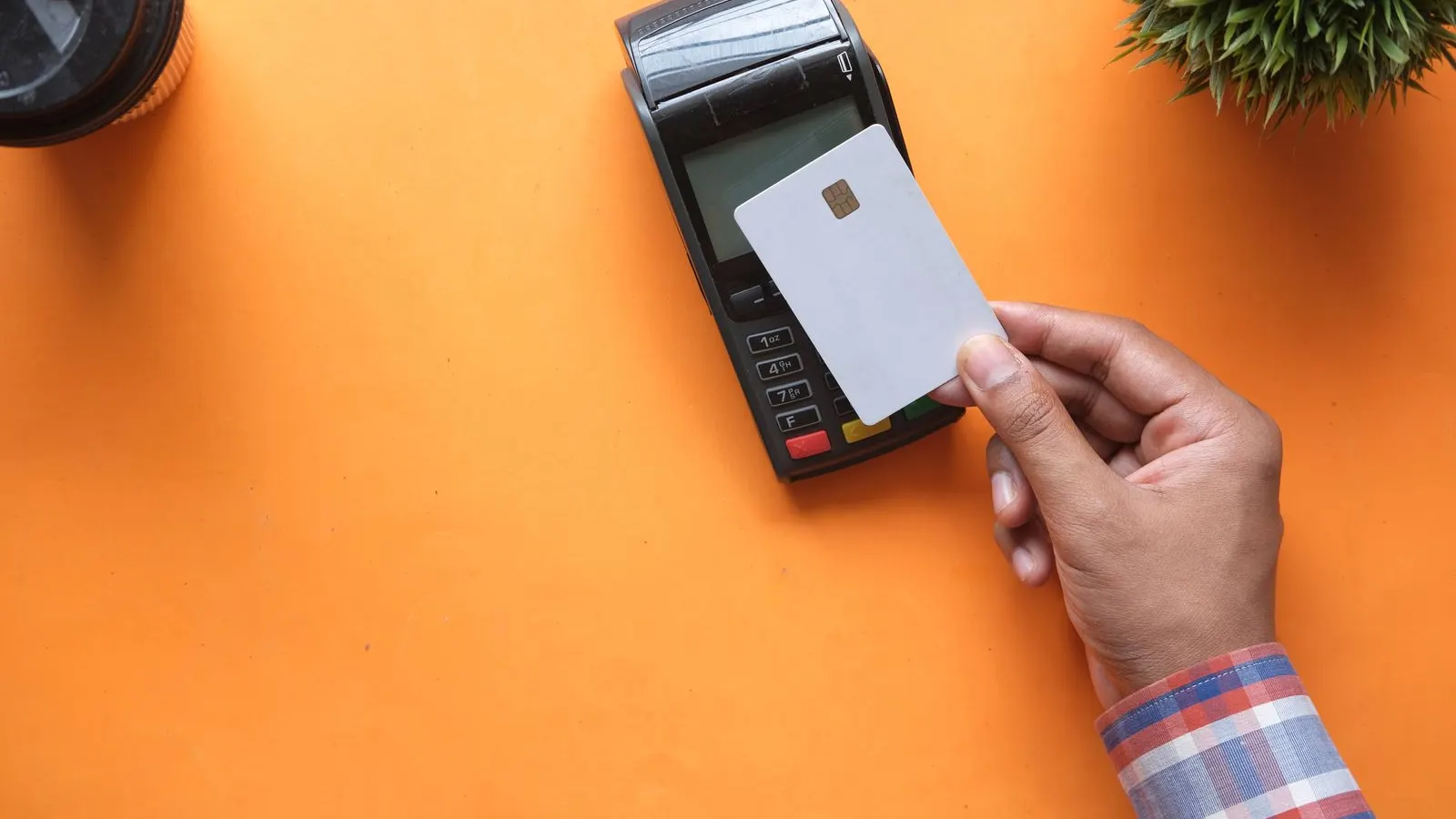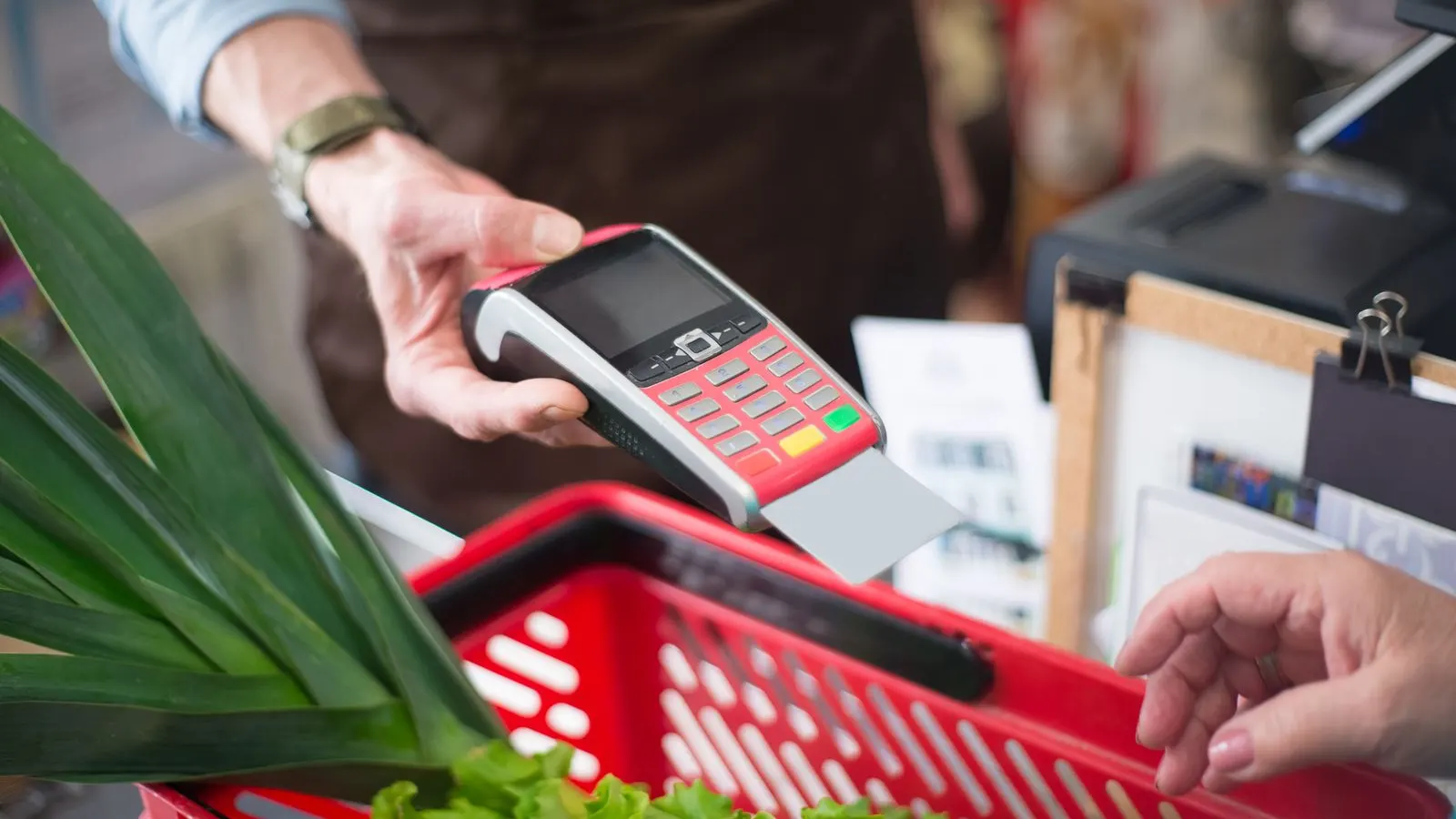
A card machine that won't take payments costs you money by the minute, so this is written in the order that actually fixes things fastest - not the order the manual suggests. Work down the list; most terminal problems die at step two or three. And the real lesson lives at the end: the businesses that never have this crisis are the ones with a £19 backup in the drawer.
The fix list, fastest first
Ninety seconds each, in this order:
- Restart the machine. Genuinely - a full power-off restart clears most frozen terminals. Do it before anything clever.
- Check the connection: is the WiFi actually up (test on your phone), or has the router restarted onto a different network? SIM readers: check signal bars, move nearer a window.
- Check the battery - a low reader often fails taps before it dies outright. Plug it in and retry.
- Re-pair Bluetooth (phone-paired readers): forget the device in the app, re-pair fresh. This fixes the classic 'connected but not working' state.
- Check the provider's status page: if SumUp/Square/Dojo is having an outage, nothing on your end will fix it - switch to fallbacks and stop debugging.
- Update or reinstall the app (phone-paired) or check for terminal firmware prompts. Last resort before support.
Keep trading while it's down
The machine being down doesn't mean card payments are down - you have more fallbacks than you think:
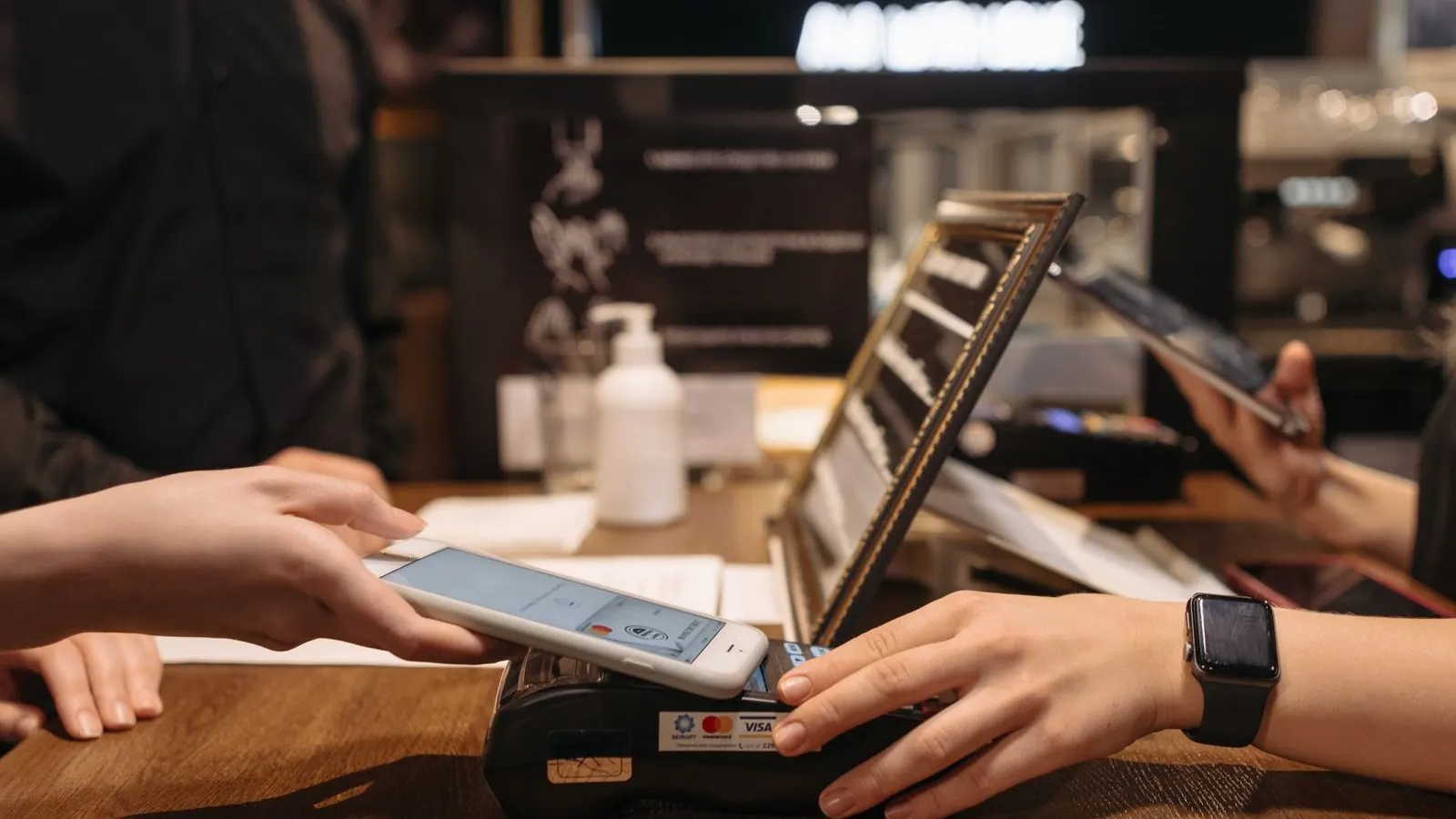
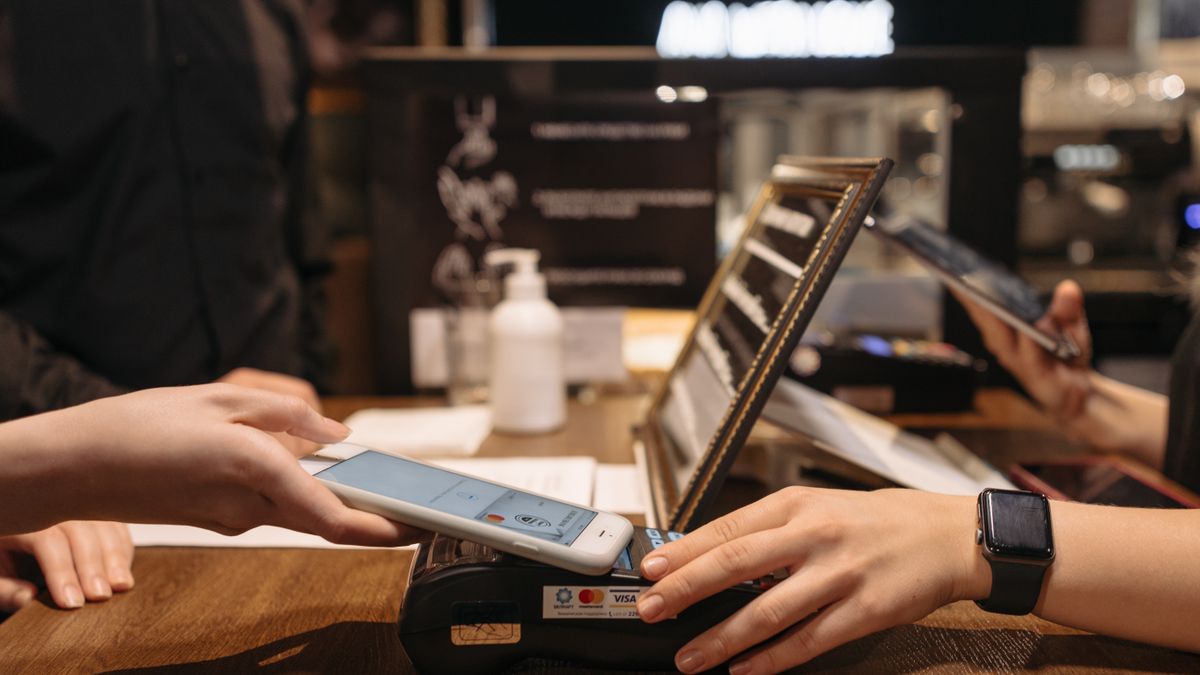
- Tap to Pay on your phone: most providers' apps can take contactless directly on a recent iPhone or Android - zero hardware, live in minutes.
- Payment links: text or email the customer a link from your provider's app - clunky, but it completes the sale.
- The other till's reader, if you have two - or the trusty cash tin while you sort it.
- A handwritten IOU for regulars sounds quaint and works more often than pride suggests.
Decline vs broken: know which problem you have
One declined card is the customer's problem - the £100 contactless limit, the periodic PIN check, or their bank saying no. Every card declining is your problem - connection or provider. Diagnose with one question: has anything gone through in the last ten minutes?
If payments authorise but the money later seems missing, that's a settlement question, not a terminal one - check the app's payout schedule before assuming the worst; payouts run on their own clock.
The £19 lesson
Every fix above buys minutes; a charged backup reader in the drawer buys immunity. At £19 it's the cheapest business continuity insurance that exists - the Saturday it saves pays for it fifty times over. Buy it from the same provider so it shares your account and reports.
And if your terminal fails often enough that this page is bookmarked, that's not bad luck - that's a provider or hardware verdict. The comparison table is the fix for chronic cases.
FAQs
Why is my card machine not connecting?
Usually the network, not the machine: WiFi down or changed, weak SIM signal, or Bluetooth pairing gone stale. Restart the terminal, verify the network on another device, re-pair if phone-based - that sequence resolves most cases.
Can I take card payments if my machine is broken?
Almost certainly: Tap to Pay on a recent phone through your provider's app, or payment links by text/email. Both are live in minutes and use your existing account.
Why do payments decline for every customer suddenly?
All-cards-declining means connection or provider outage - check the provider's status page before touching settings. One card declining is the customer's bank at work.