EPOS stands for electronic point of sale, and strip away the sales talk and it means one thing: a till that runs on software. If you have ever asked what is an EPOS system and got an answer full of 'seamless integrations', this is the version in plain English - what it does, what it costs, and whether you actually need one.
What does EPOS actually mean?
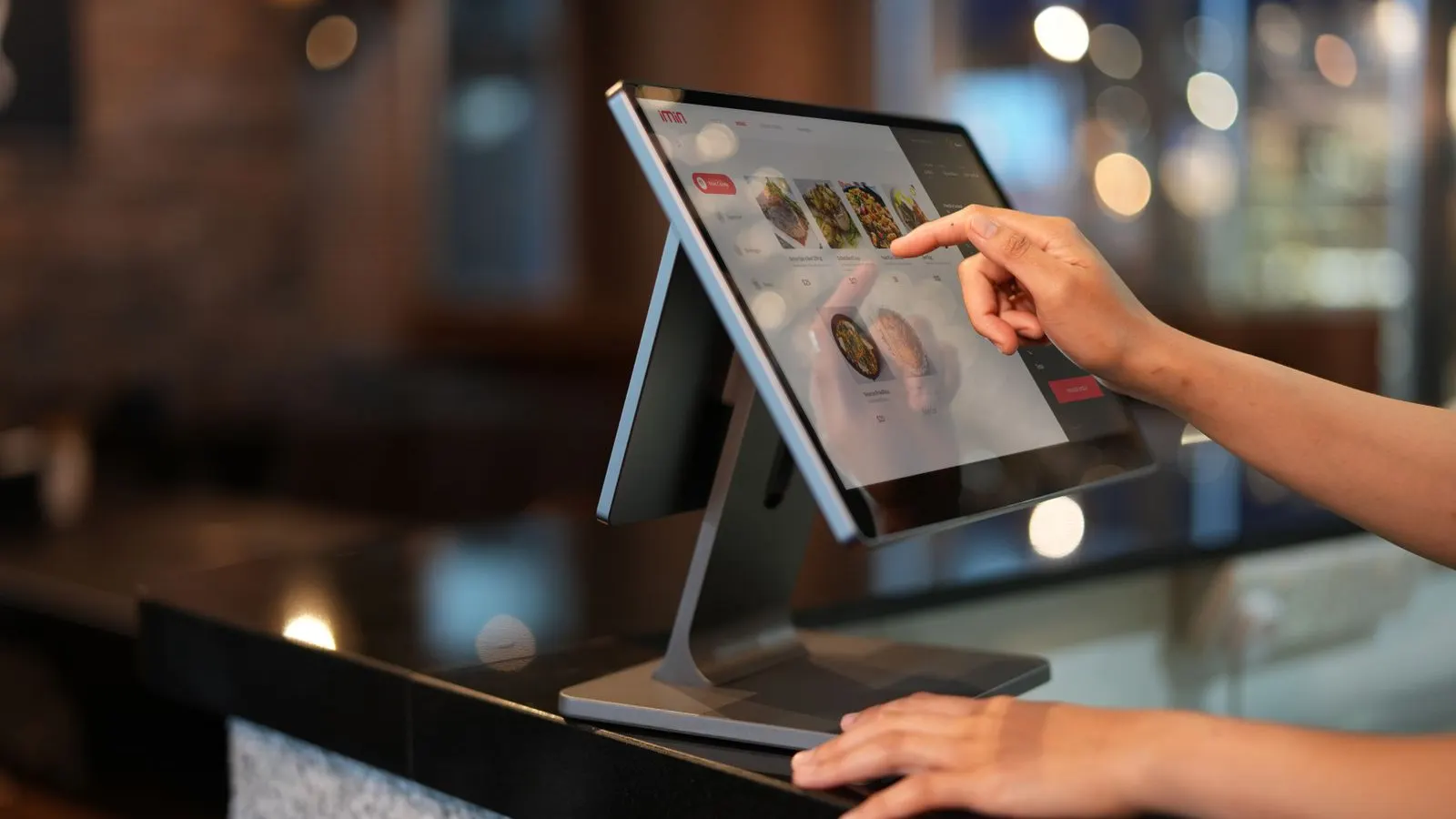
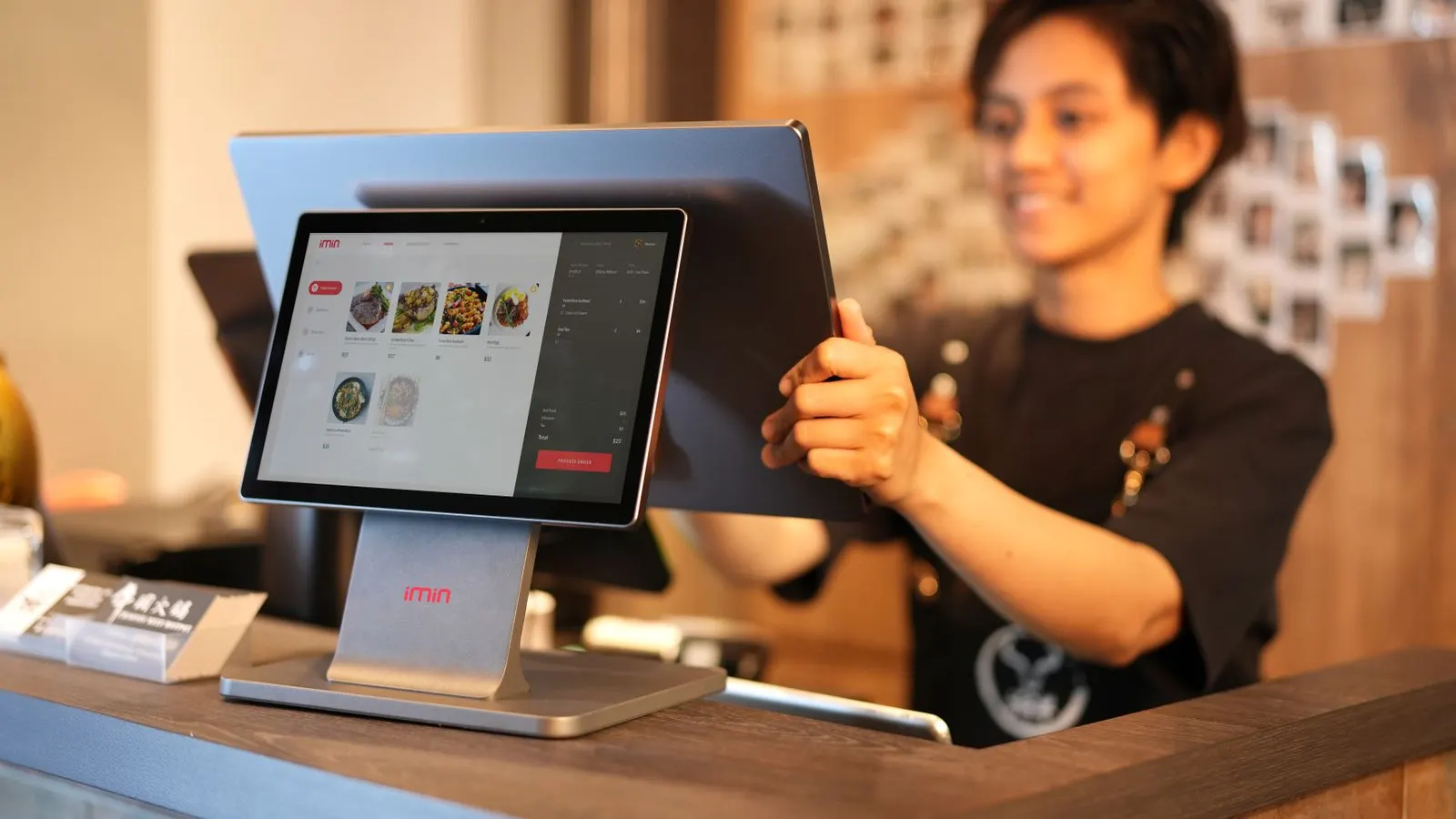
An EPOS system is a till powered by software instead of mechanical buttons. Usually that is a touchscreen (or an iPad) running till software, connected to a card machine, a receipt printer and a cash drawer. The software is the point: it records every sale, tracks what is selling, and takes card payments through the same screen.
You will see POS and EPOS used interchangeably. POS is the American term, EPOS the British one - same thing. If a salesperson tries to convince you they are different products, that tells you more about the salesperson than the products.
What an EPOS system actually does
Beyond ringing up sales, a decent EPOS system quietly does the jobs you would otherwise do badly at 11pm with a spreadsheet. The value is not the till - it is the data and the time.
- Takes card payments through an integrated card machine, so the amount is never mistyped.
- Tracks stock as you sell - you find out you are low on your best seller before Saturday, not during it.
- Reports what actually sells, by hour, day and product, so you order and staff accordingly.
- Manages staff logins, so you know who sold what and voids are not a mystery.
- Connects to other tools - accounting software, online orders, booking systems - so numbers only get typed once.
EPOS vs a card machine: which do you need?
This is the question that matters, because the price difference is real. A card reader takes payments, full stop - from around £19 with no monthly fee. An EPOS system takes payments and runs the business around them, usually for a monthly software fee plus hardware.
The honest test: if you sell a handful of products or your prices live in your head - market traders, mobile hairdressers, most tradespeople - a card reader does the job and the EPOS subscription is money down the drain. If you carry stock, employ staff or run a busy counter, the till pays for itself. We cover the decision in more detail in do you actually need a card machine, and the same logic scales up.
What does an EPOS system cost?
Roughly: free to about £30 a month for app-based systems on an iPad (Square, SumUp POS, Zettle), £25 to £70 a month for dedicated small-business EPOS (Epos Now, Lightspeed), plus hardware from about £150 for a terminal to £500+ for a full till setup. On top of everything sits the transaction fee on every card payment - typically 1.4% to 1.75% for this bracket.
That transaction percentage usually matters more than the monthly fee once you are taking a few thousand pounds a month on cards. Run your own numbers through our fee calculator before you compare monthly prices - we have seen 'free' software cost more than paid software once the rates were in. Full breakdown in how much does a POS system cost.
So do you actually need one?
Plenty of businesses genuinely do not, and it is telling that the people who say everyone needs EPOS are the people selling it. A one-person stall taking twenty payments a day needs a reader and a biscuit tin, not a subscription.
You are in EPOS territory when any of these are true: you carry more stock than you can count in your head, you employ staff who serve without you watching, you run a menu with modifiers and kitchen tickets, or you have caught yourself doing the same manual count twice in a week. At that point the £30 a month buys back hours, and the right system for your business type depends on what you sell - a pub, a salon and a shop need quite different tills.
FAQs
Is EPOS the same as POS?
Yes. POS (point of sale) is the international term, EPOS (electronic point of sale) the British one. Same product category; no meaningful difference.
Can I run an EPOS system on an iPad?
Yes - Square, Zettle, SumUp POS and Lightspeed all run on iPads, and it is usually the cheapest route in. A dedicated till screen is sturdier for a busy counter, but an iPad in a decent stand is fine for most small businesses.
Do EPOS systems work if the internet goes down?
Most have an offline mode that keeps ringing sales and syncs later, but card payments usually need a connection. Ask specifically about offline card payments before you buy - answers vary more than you would expect.
What is the cheapest way to start?
A no-monthly-fee card reader (from about £19) plus the provider's free POS app. SumUp, Square and Zettle all do this. Upgrade to paid EPOS when stock or staff make it worth it - not before.